Themes
A whole design, not just a colour scheme
Tokens, components, page templates, photographs and fonts, designed together and checked for contrast. Every theme is a real site you can make your own.
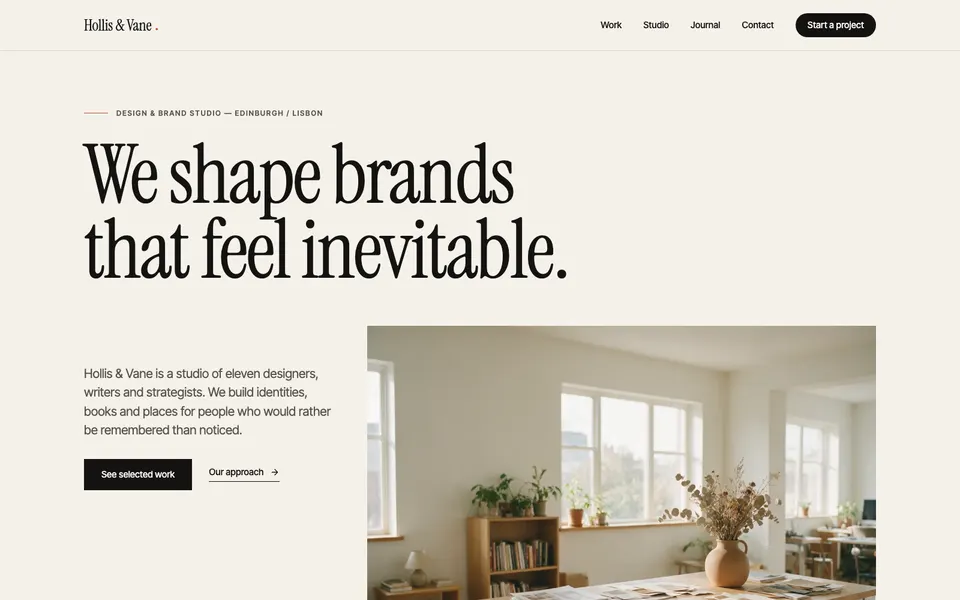
Atelier
Editorial theme for studios and agencies: serif type, paper, ink, terracotta.
agency, portfolio, business
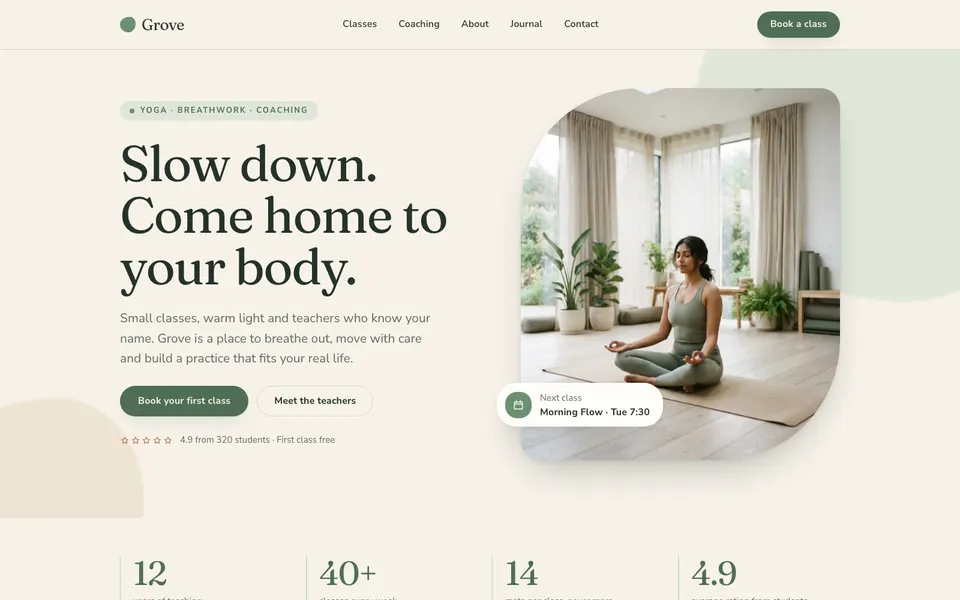
Grove
A calm, organic theme for yoga teachers, studios and wellness coaches.
personal, business
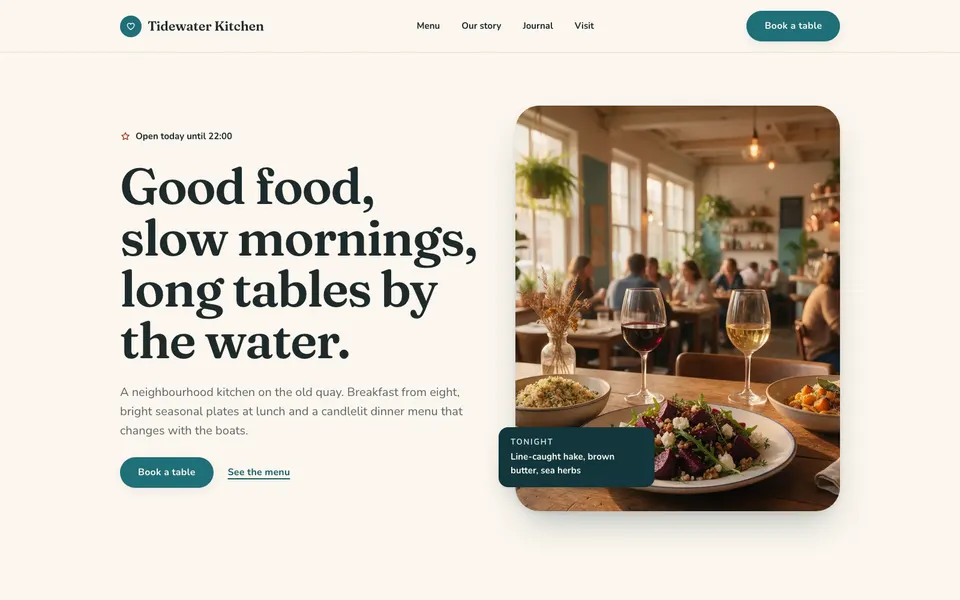
Harbor
A warm, appetizing theme for restaurants, cafes and local food businesses.
restaurant, business

Ledger
A composed navy-and-slate theme for consultancies, law firms and finance.
business, agency
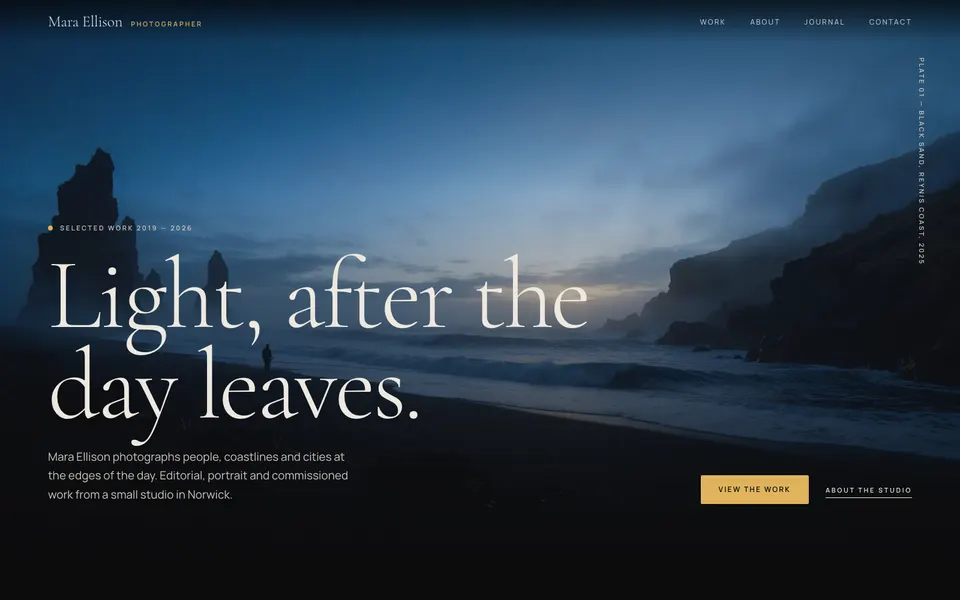
Nightfall
Dark, image-led photography portfolio: full-bleed plates, quiet serif, gold.
portfolio, personal

Pulse
Dark-first SaaS landing theme: violet glow, bold geometric type, pricing, FAQ.
landing, business
How it works
Try it on your own pages first
1
Install
Stride downloads the theme itself and checks its signature and every file.
2
Preview
See your own pages in the theme before anything is saved.
3
Apply
Tokens, components and images arrive; new pages come from its templates.
4
Undo
Changed your mind? One click puts the previous design back.
Make your own
Start from a theme that already passes
Scaffold a theme, build pages in the editor, and save what you made as its templates. Validation checks every file exactly as an installation will.
$ npx @guuslab/stride theme new harbor
$ stride theme validate harbor
harbor 1.0.0 is valid: 6 templates,
14 components, 6 images, 4 fonts
Your next site is one command away
Install Stride, open the admin, and publish a page in the time it takes to read the WordPress system requirements.
$ npm install -g @guuslab/stride