Your whole website in one binary.
Stride is a self-hosted CMS and visual web builder in one Rust binary and one SQLite file. Pages ship no JavaScript unless a block needs it, and it runs as happily on a Mac mini as in a large cloud.
$ npm install -g @guuslab/stride
1
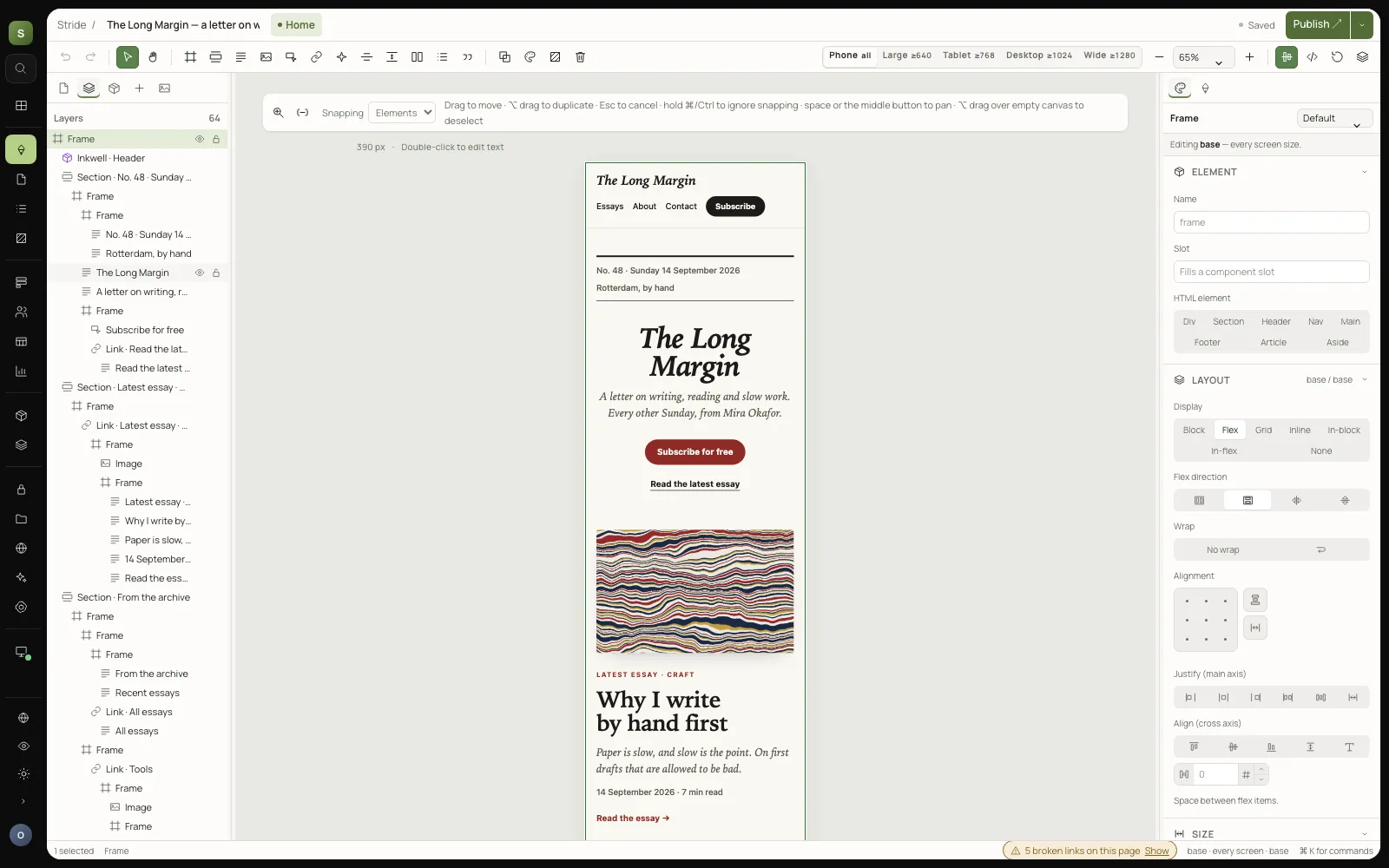
binary, with the editor inside
1
SQLite file holds your whole site
0 KB
of JavaScript on a page, unless a block needs it
24
plugins in the store, and six themes
Everything in the box
A real CMS, a real editor, and nothing to bolt on
The things you install WordPress plugins for come with Stride, and they share one database, one permission model and one backup.
A visual editor
A real CSS canvas with layers, design tokens, components with variants and slots, animations and version history.
A CMS that stays out of the way
Several sites per installation, pages and blog posts, menus, SEO fields, redirects, an RSS feed and a sitemap.
Members, forms and payments
Visitor accounts with magic links, restricted content left out on the server, forms, and Mollie and Stripe checkout.
Plugins and themes
Install from signed stores in the admin. Plugins run as sandboxed WebAssembly with only the permissions you grant.
Built for models
MCP is built in, so Claude and other models can build and publish sites with exactly your permission checks.
Backups you can trust
Consistent snapshots while it runs, Litestream replication, and stride update. Restore is one command.
One action register
The editor, the API and a model all do the same thing
Every operation in Stride is one registered action with a name, a description, a permission and a schema. The admin calls it, your scripts call it over HTTP, and a model calls it over MCP, all with the same checks. Nothing has a private back door.
How MCP works in Stride →$ curl -X POST localhost:8080/api/actions/publish.document \
-H 'authorization: Bearer $TOKEN' \
-d '{"siteId":"default","documentId":"…"}'
# the same action the Publish button calls,
# and the one Claude calls over MCP
Plugins
Add what you need. It can only do what you allow.
Search, confetti, QR codes, cookie banners, reading time: 24 plugins in the store, each one WebAssembly in a sandbox, signed, and rebuilt from source before it is listed.
Browse the plugins →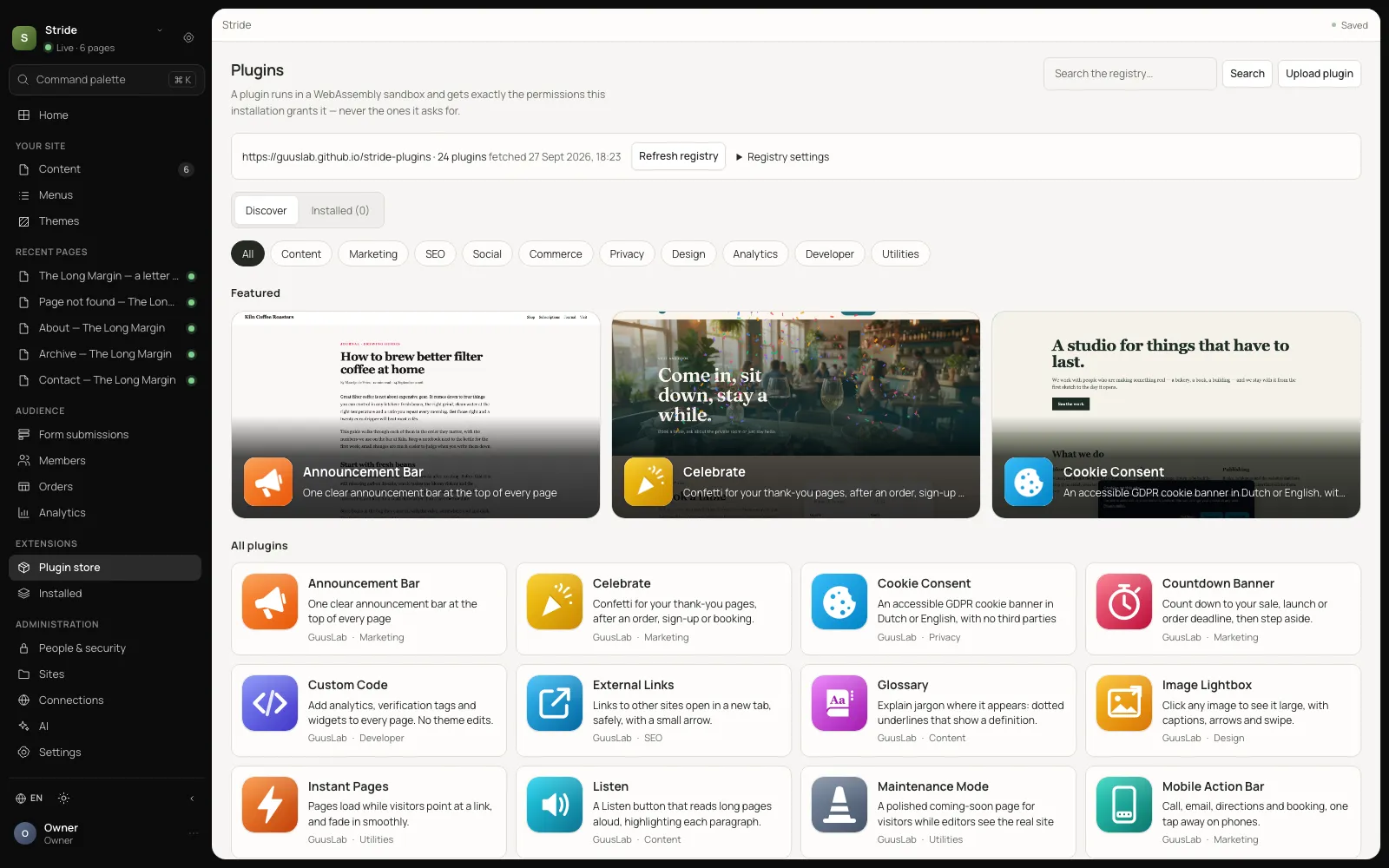
Themes
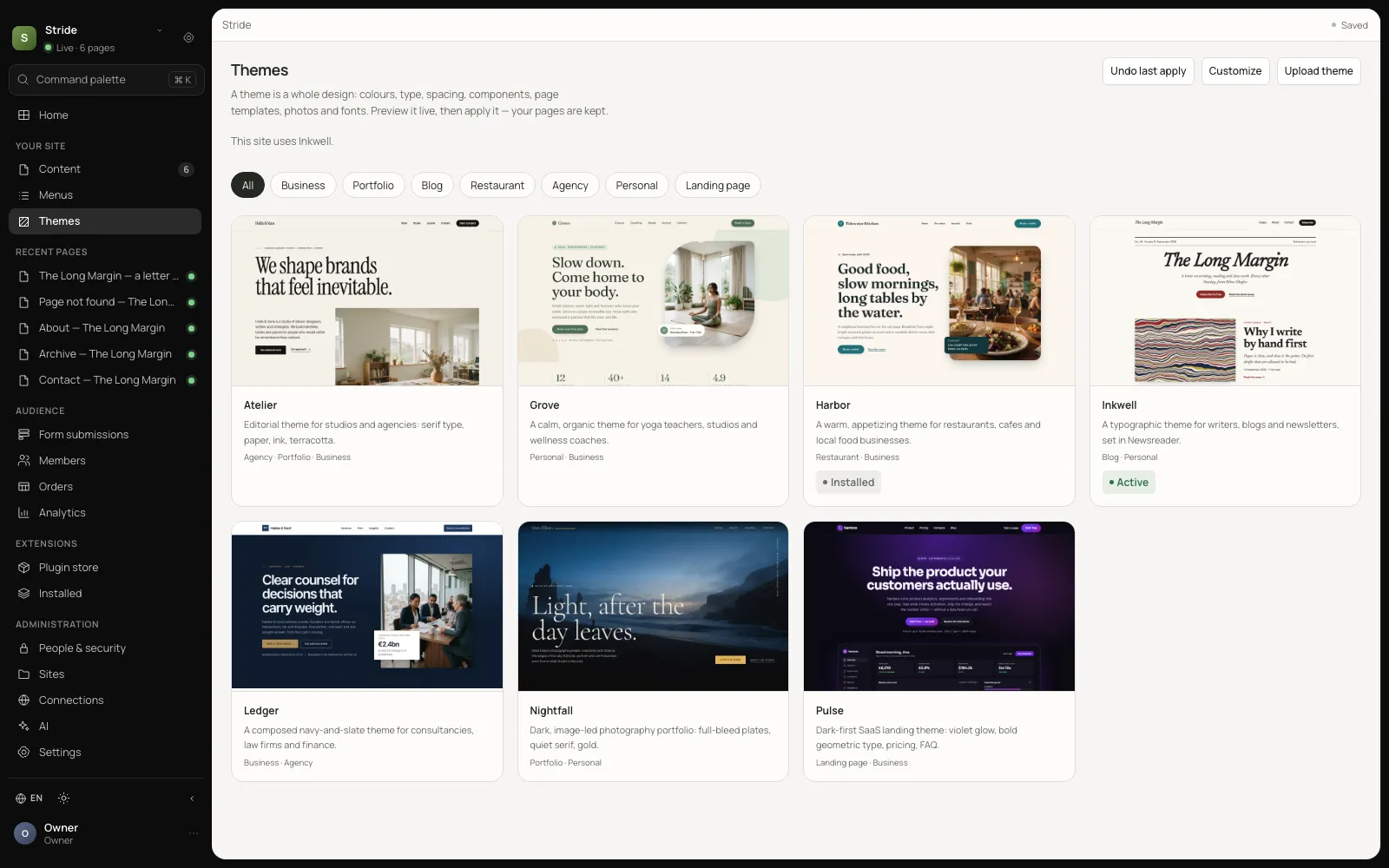
A whole design, applied in one click
Colours, type, components, page templates, photographs and fonts. Preview a theme on your own pages, apply it, and undo it if you change your mind. Your pages are never overwritten.
See the themes →Your next site is one command away
Install Stride, open the admin, and publish a page in the time it takes to read the WordPress system requirements.
$ npm install -g @guuslab/stride